Supposedly affects Chromium >= 141, and possibly some versions of Edge.
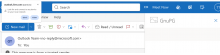
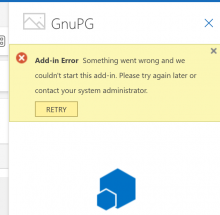
The first symptom of this is that the logo is not rendered, even though test page renders correctly. When clicking on the (broken) logo, chromium will prompt for:
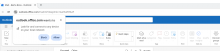
outlook.live.com wants to Look for and connect to any device on your local network
Selecting "Block" renders the plugin unusable. Selecting "Allow" will allow the plugin to run, but a reload may be needed. After the fact, the setting can be changed via chrome://settings/content/siteDetails?site=https%3A%2F%2Foutlook.live.com%2F ("Local network access"; exact URL could be subject to change).
A more in-depth description of the background (although it's a slightly different use-case, and affecting Edge, here) is at https://learn.microsoft.com/en-us/answers/questions/5647994/3rd-party-app-unable-to-call-our-end-point-in-edge .
TL;DR: Chromium blocks loading, because the load is initiated from a public network (outlook.live.com), while the plugin is served from the local network.