Current (gpgolweb-0.9.3) installation instructions:

Suggestions:
- Start the server before step 4, so the icon is actually displayed (or move it to a later point, e.g. status?). Not sure if that was the problem, see next point
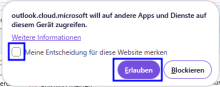
- Another necessary step for the icon to show up seems to be to allow outlook to access apps (and remember this), so this should better also be mentioned
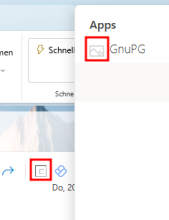
- Without remembering, the icon is broken (also immediately afterwards, too, as there is no refresh), users might have a hard time to get started:
- Confirmation dialog (e.g. in Firefox):
- Without remembering, the icon is broken (also immediately afterwards, too, as there is no refresh), users might have a hard time to get started:
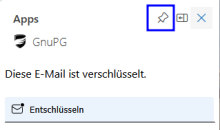
- Mention to better pin the sidebar (very useful):